TikTok to MP3 Converter
— Download Audio Free & Fast
Convert TikTok videos to MP3 in seconds. Download audio in high quality (320kbps) for free. Extract music, sound effects, and voiceovers from any video with our fast converter.
How to Convert to MP3 Audio
Download TikTok audio in 3 simple steps with our free TikTok to MP3 converter.
-
01
Copy TikTok Video Link
Open the TikTok app, find the video with audio you want to download, tap Share, and select "Copy link". DLTK works with any public TikTok video to extract audio as MP3.
-
02
Paste Link into DLTK MP3 Converter
Return to DLTK.io and paste the TikTok video link into the input field above. Our converter will process the audio instantly.
-
03
Download TikTok Audio as MP3
Click "Convert to MP3" and download the extracted audio file. Your TikTok MP3 download will start immediately in high quality (up to 320kbps).
Why Use DLTK TikTok to MP3 Converter
The best free audio downloader with powerful features.
-
High Quality TikTok Audio Download
Download TikTok audio in the best available quality, up to 320kbps MP3. Our converter preserves the original audio quality from TikTok videos, giving you crystal-clear sound for music, podcasts, or voiceovers.
-
Fast TikTok to MP3 Conversion
Convert TikTok videos to MP3 in seconds. Our audio downloader uses advanced technology to extract audio instantly. No waiting, no queues - just fast TikTok MP3 downloads every time.
-
100% Free TikTok MP3 Downloader
Download TikTok audio as MP3 for free with no limits. No registration, no subscription, no hidden fees. DLTK is a completely free TikTok to MP3 converter that works forever.
-
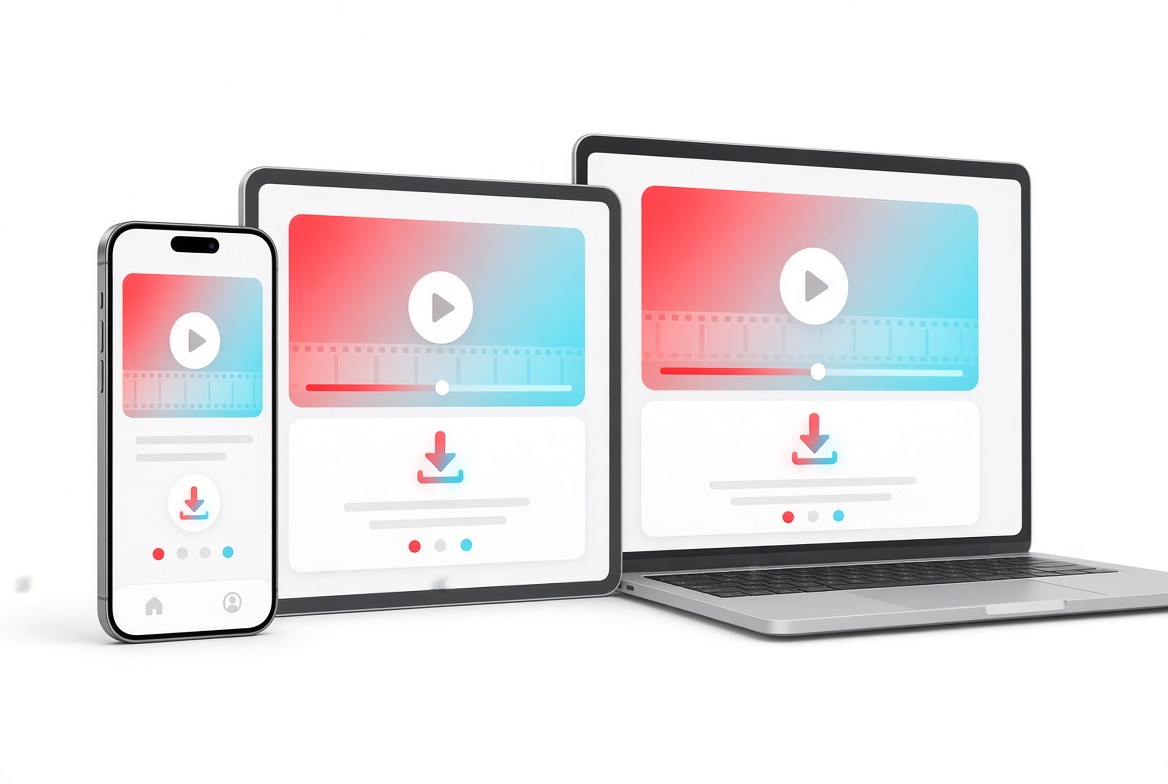
Works on All Devices
Our audio downloader works on iPhone, Android, Windows, Mac, and any device with a web browser. Download TikTok audio as MP3 from any device without installing apps.
-
Safe & Private TikTok MP3 Converter
Your privacy matters. We don't store your downloaded TikTok audio files or personal information. Download TikTok MP3 safely and anonymously with DLTK.
-
Universal MP3 Format
Downloaded TikTok audio is saved as MP3 - the most compatible audio format. Play your TikTok MP3 downloads on any music player, smartphone, tablet, or computer.


What Can You Do with TikTok MP3 Downloads?
Popular uses for TikTok audio extraction.
Our converter is perfect for various use cases:
Create Music Collections
Download TikTok audio from your favorite music videos and build offline playlists. Convert to MP3 to enjoy trending songs, remixes, and covers without an internet connection.
Save Podcast Episodes & Voiceovers
Extract audio from TikTok educational content, storytelling, and podcast clips. Download TikTok audio as MP3 to listen to valuable content anytime, anywhere.
Collect Sound Effects
Download TikTok audio for sound effects, memes, and viral audio clips. Use our MP3 downloader to save funny sounds, transitions, and audio memes for your own videos.
Ringtones & Notifications
Convert to MP3 and create custom ringtones for your phone. Download TikTok audio of your favorite songs, quotes, or sound effects and set them as ringtones or notification sounds.
Study & Learning
Download TikTok audio from language learning videos, educational content, and tutorials. Convert to MP3 to review lessons offline while commuting or exercising.
TikTok Audio Quality Options
Choose the best audio quality for your needs.
When you download audio with DLTK, we extract audio in the highest quality available:
Available TikTok MP3 Quality Levels
- 320kbps (High Quality) - Best audio quality for music and professional use. Near-CD quality sound with excellent clarity.
- 256kbps (Standard Quality) - Great balance between file size and audio quality. Perfect for most listening scenarios.
- 192kbps (Good Quality) - Smaller file size while maintaining good sound quality. Ideal for mobile devices with limited storage.
- 128kbps (Basic Quality) - Smallest file size. Acceptable for casual listening and voice content.
Note: The maximum audio quality depends on the original TikTok video upload. Our converter automatically selects the best available quality, up to 320kbps when the source supports it.
What Users Say About DLTK TikTok to MP3 Converter
Trusted by millions of TikTok users worldwide.
"Best TikTok downloader I've found! Fast, simple, and actually removes the watermark. I use it daily for my content creation."
"Finally, a TikTok downloader that works on iPhone without installing apps. The quality is perfect and it's super fast!"
"I love that it's completely free with no ads. Downloads are instant and the HD quality is amazing. Highly recommend!"
TikTok to MP3 Converter FAQ
- Is DLTK TikTok to MP3 converter free?
- Yes, DLTK is completely free. You can convert TikTok videos to MP3 with no sign-up, no premium tier, and unlimited downloads. It's a 100% free audio downloader forever.
- How do I convert TikTok to MP3?
- Simply copy the TikTok video link, paste it into DLTK's TikTok to MP3 converter above, and click "Convert to MP3". The audio will be extracted and ready to download in seconds.
- What audio quality can I download audio in?
- You can download audio in up to 320kbps MP3 quality - the highest available from the original video. Our MP3 downloader preserves the best possible audio quality.
- Can I convert TikTok to MP3 on iPhone or Android?
- Yes! Our converter works on all devices including iPhone, Android, tablets, and computers. No app installation required - just use your mobile browser to download audio.
- Is it legal to download audio?
- Downloading TikTok audio for personal use is generally acceptable. However, never redistribute or use downloaded content commercially without the creator's permission. Always respect copyright and give credit to original creators.
- Do I need to install software to convert TikTok to MP3?
- No. DLTK is a web-based audio downloader that runs entirely in your browser. You don't need to download any app or software to convert TikTok to MP3.
- Can I download audio from private accounts?
- No, you cannot download audio from private accounts unless you follow that account. Our converter can only download publicly available TikTok videos.
- What format is the downloaded TikTok audio?
- Downloaded TikTok audio is saved as MP3, the most universal audio format. MP3 files work on all devices, music players, and media applications.
- Can I download multiple TikTok videos to MP3 at once?
- Currently, DLTK processes one TikTok video at a time for optimal quality and speed. For batch conversions, simply convert each TikTok to MP3 one by one - our fast converter processes audio in seconds.
- Why is my downloaded TikTok audio low quality?
- If the audio quality is poor, the original TikTok video upload may have been low quality. DLTK preserves the original audio quality - we cannot enhance beyond what TikTok stored. The TikTok to MP3 converter extracts audio exactly as it was uploaded.
- Can I use downloaded TikTok audio for my videos?
- Downloading TikTok audio for personal use is fine, but using it in your own content requires permission from the original creator. Always respect copyright laws and credit the original audio source when reposting.
- Does DLTK work with tic tok or tick tock videos?
- Yes! DLTK's TikTok to MP3 converter works with all TikTok videos, regardless of how you spell it (tiktok, tic tok, tick tock, or tik tok). Simply paste any TikTok video link to download audio as MP3.
- How to save TikTok audio to my phone?
- On iPhone or Android, copy the TikTok video link, paste it into DLTK's converter in your mobile browser, and tap "Convert to MP3". Once converted, tap the download button - the MP3 file will save to your phone's Downloads folder or Files app. You can then move it to your music library.
- Why won't my TikTok link convert to MP3?
- Common reasons: 1) The video is private or deleted, 2) The link format is incorrect (make sure it's a full TikTok URL), 3) The video has no audio track, 4) Temporary server issues. Try refreshing the page, check if the video plays on TikTok, and ensure you copied the complete link including "https://".
- Are TikTok MP3 downloaders safe from viruses?
- DLTK is completely safe - we don't require software installation, don't store your files, and have no malicious code. However, be cautious with other sites that ask you to install software, download executables, or provide personal information. Always use web-based tools like DLTK that run entirely in your browser.
- Do I need to log in to download TikTok audio?
- No, DLTK never requires login credentials. You don't need to provide your TikTok username, password, or any personal information. Simply paste the video link and download - completely anonymous and secure.
- How to turn TikTok audio into a ringtone?
- Download the TikTok audio as MP3, then: On iPhone - use iTunes or GarageBand to convert MP3 to M4R format and sync to your phone. On Android - move the MP3 file to your Ringtones folder (usually in /Music/Ringtones), then select it in Settings > Sound > Phone ringtone. You may need to trim the audio to 30 seconds for best results.
- What bitrate is TikTok audio?
- TikTok typically uses 128kbps AAC audio for most videos. When you convert to MP3 with DLTK, we can extract audio up to 320kbps MP3 (the maximum MP3 quality), though the actual quality depends on the original video upload. Higher quality videos will produce better MP3 results.
- Can I convert TikTok to other formats like WAV or FLAC?
- DLTK currently converts TikTok to MP3 format, which is the most universally compatible audio format. MP3 works on all devices and music players. If you need WAV or FLAC, you can download the MP3 first, then use a separate audio converter tool to convert MP3 to your desired format.
- Can I use TikTok audio for YouTube or Instagram?
- Technically possible, but use caution: Most TikTok audio is copyrighted music. For personal videos, it's usually okay, but for commercial content or monetized videos, you risk copyright strikes. Always check if the audio is copyright-free or obtain permission from the creator. Consider using royalty-free music for YouTube/Instagram to avoid issues.
- How to use downloaded TikTok audio in video editors?
- After downloading TikTok audio as MP3, import it into your video editor: CapCut - tap "Audio" > "Import" > select your MP3. Premiere Pro - drag MP3 file to timeline. iMovie - click "Import Media" > select MP3. DaVinci Resolve - drag to media pool then timeline. The MP3 format is supported by all major video editing software.
- Do creators get notified when I download their audio?
- No, TikTok does not notify creators when someone downloads their video audio using third-party tools like DLTK. Your downloads are completely private and anonymous. However, always respect creators' work - credit them if you use their audio in your own content.
Start Converting TikTok to MP3 Now
DLTK is the best free TikTok to MP3 converter for downloading TikTok audio. With support for high-quality MP3 extraction (up to 320kbps), our audio downloader works on all devices and requires no registration. Convert TikTok videos to MP3 instantly with our fast, safe, and reliable MP3 downloader.
Whether you want to download audio for music collections, podcasts, sound effects, or ringtones, DLTK provides the fastest way to convert TikTok to MP3. Try our audio downloader today - it's completely free with unlimited downloads!